Narita Airport Free Wi-Fi: Official SSID, Fake Hotspots, Haneda Tips
 Written by Mei · IKOKA Japan
Narita Airport free Wi-Fi and Haneda Airport Wi-Fi: official network names, how to spot a fake hotspot, and when an eSIM or pocket Wi-Fi works better.

You land at Narita after a long flight, your phone shows five open networks with "free" in the name, and you just want to message home and check your train. The short answer: Narita Airport free Wi-Fi has one official network name, "FreeWiFi-NARITA", and Haneda Airport Wi-Fi has its own, "HANEDA-FREE-WIFI". Pick the wrong one and you could be typing a password into a page set up by a stranger, so here is how to tell the real airport Wi-Fi from a lookalike in about a minute.
Quick answer
- Narita: the official network is "FreeWiFi-NARITA", in every terminal and on the terminal shuttle buses
- Haneda: the official network is "HANEDA-FREE-WIFI", in Terminals 1, 2 and 3
- Narita's network needs no advance security settings, and the airport recommends a VPN for a secure connection, so keep it for maps and messages, not banking
Narita Airport free Wi-Fi: the official network name

Narita Airport offers free Wi-Fi throughout every terminal and even on the shuttle buses between terminals. To connect, turn Wi-Fi on in Settings and choose "FreeWiFi-NARITA". A connection screen opens by itself and asks you to agree to the Terms and Conditions of Use and a Security Caution.
The airport says plainly that this service is designed for ease of use and does not need security settings such as WEP in advance, and it recommends a VPN to anyone who wants a secure connection. Speed can also drop when the terminal is crowded. In other words, it is convenient, not private.
Haneda Airport Wi-Fi: free in Terminals 1, 2 and 3

At Haneda, the network name (ESS-ID) is "HANEDA-FREE-WIFI" in all three terminals. Select it, open your web browser, and follow the on-screen steps to get online. Two details catch people out: the airport notes that the Wi-Fi cannot be used inside shops, except lounges, and that some areas are hard to connect from. If the page will not load, walk back toward the open hall before you assume something is broken.
How to spot a fake airport Wi-Fi network

Japan's Ministry of Internal Affairs and Communications (MIC) sums up safe public Wi-Fi in three points: check the access point you are connecting to, check that you are on the correct URL with HTTPS, and watch your computer's file-sharing settings. Kanagawa Prefectural Police add practical detail:
| Check | What to do |
|---|---|
| Who runs it | Look for the provider's sign or sticker before you connect. Skip networks from unknown or suspicious providers, even if no password is needed |
| The exact name | Make sure the network name (SSID) matches the one the provider posts. Fake access points copy real names |
| Security type | If it shows "no security" or "WEP", use it only for things you would not mind others seeing |
| Apps | Official connection apps from Wi-Fi providers can help avoid fake access points; avoid unofficial ones |
Put simply: copy the network name from the airport's own sign or website, not from the list on your phone. When a login page asks for card details or a social media password just to get online, close it.
What to do on airport Wi-Fi, and what to save for later
Free airport Wi-Fi is perfect for the first hour: checking your hotel address, sending "landed safely", and looking up your train. For anything with money or passwords, MIC's advice is to confirm the HTTPS address first, and Narita itself points to a VPN for a secure connection. If your phone offers to share files or join a "nearby" network, turn that off while you are on public Wi-Fi.
One more thing worth knowing before any trip: in large disasters, Japanese carriers may open their public Wi-Fi for free under a single disaster SSID, "00000JAPAN". It is a good reason to keep Wi-Fi switched on in an emergency, along with the safety app in our earthquake guide.

Does Japan's airport have free Wi-Fi?
Yes. Japan's national tourism organization (JNTO) notes that Japan's major international airports provide free Wi-Fi within their terminals, and at the two Tokyo airports that means FreeWiFi-NARITA and HANEDA-FREE-WIFI. The catch is that airport Wi-Fi ends at the terminal door. JNTO recommends renting Wi-Fi for guaranteed access, especially in more remote areas. Its FAQ says eSIMs and pocket Wi-Fi devices are especially convenient for short-term visitors.
Free Wi-Fi vs eSIM vs pocket Wi-Fi: which one you need

| Option | Good for | Where to get it |
|---|---|---|
| Airport free Wi-Fi | The first hour: messages, maps, train times | Narita and Haneda terminals |
| eSIM | Solo travelers who want nothing extra to carry | Buy or reserve online, or at the airport |
| SIM card | Phones that can take a local SIM (the phone must be unlocked) | Airport counters and machines. Before you fly, check that your phone is unlocked and supports a local SIM or eSIM |
| Pocket Wi-Fi | Groups and laptops, remote areas | Airport rental kiosks, or reserve online and have it delivered to your hotel |
Where to pick one up on arrival
- Narita: prepaid SIM cards and pocket Wi-Fi rentals at counters in the arrival areas of all terminals, generally open from around 7 a.m. to 9 p.m.
- Haneda Terminal 3: prepaid SIM cards from vending machines and convenience stores in the arrivals area, plus counters for SIM cards and pocket Wi-Fi, generally open from around 6 a.m. to 10 p.m.
If your flight lands late, those hours matter: reserve online before you leave, or plan to rely on the free airport network for the first night.
Checklist before you connect
- Copy the official name: FreeWiFi-NARITA or HANEDA-FREE-WIFI
- Read the provider's sign; skip unknown networks
- Check HTTPS before you log in to anything
- Turn off file sharing on your laptop
- No banking without a VPN or your own data
- Landing late? Check counter hours first
If you are working out what that SIM or rental costs in your own money, the yen converter helps.
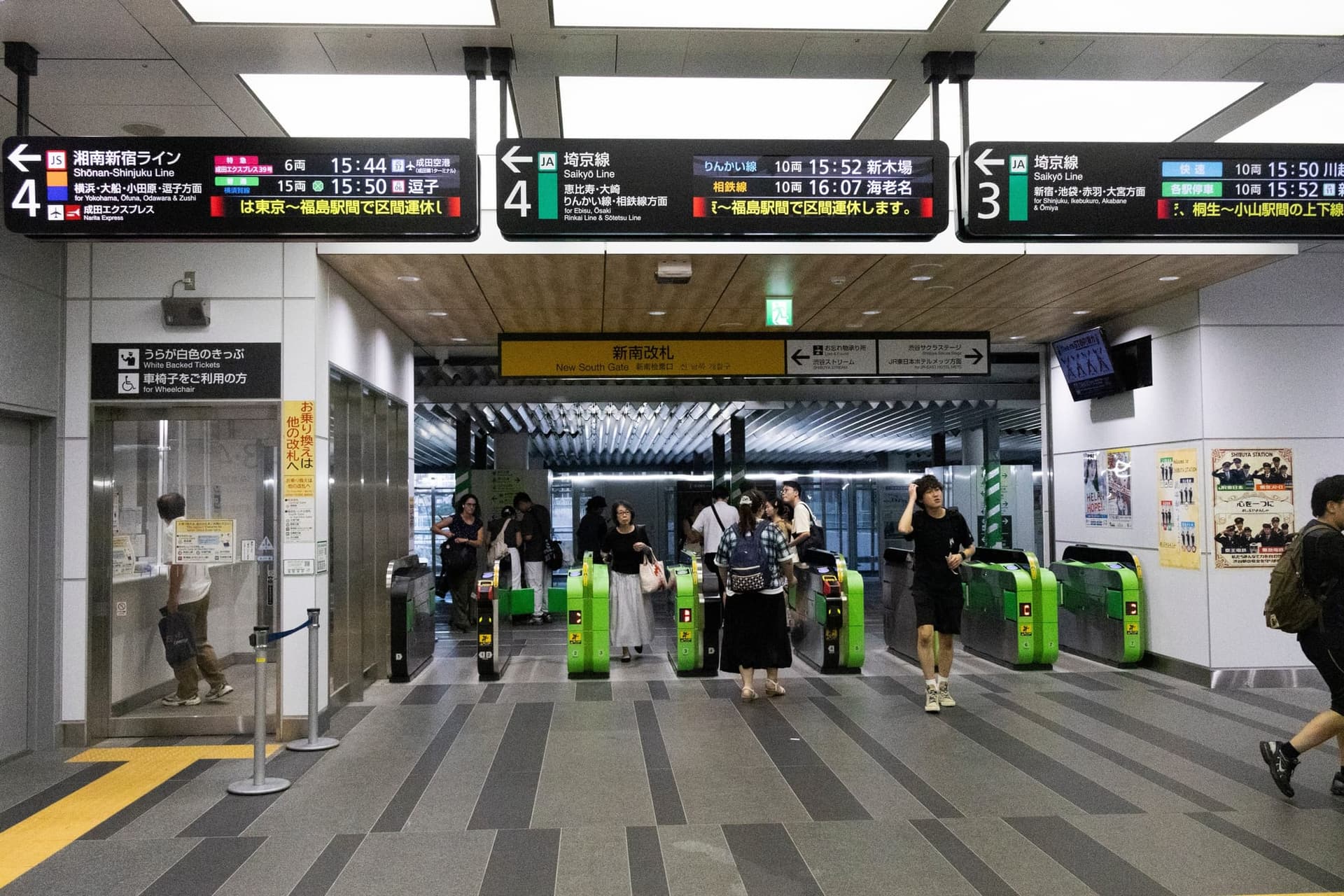
Once you are online, the next question is usually the train into the city, and paper tickets are changing. Here is what to expect at the gate.
Sources
Facts in this article were checked against these official sources.
- Japan Airport Terminal Co. (Haneda Airport Passenger Terminal)
- Japan National Tourism Organization (JNTO)
- Japan National Tourism Organization (JNTO)
- Japan National Tourism Organization (JNTO)
- Japan National Tourism Organization (JNTO)
- Narita International Airport Corporation
- Kanagawa Prefectural Police (神奈川県警察)
- Ministry of Internal Affairs and Communications (総務省)
- Ministry of Internal Affairs and Communications (総務省)
Photo credits
Comments
Anyone can comment with just a nickname. Comments with links or contact details are published after review.
Loading comments…